


Fish Sort Puzzle Walkthrough
Match the order. Save a slot. Let the next fish fall.
Independent fan-made guides. Not affiliated with the game developer.
Browse levels
No matching level. Choose a number from the index.
Recently updated
Game screenshots
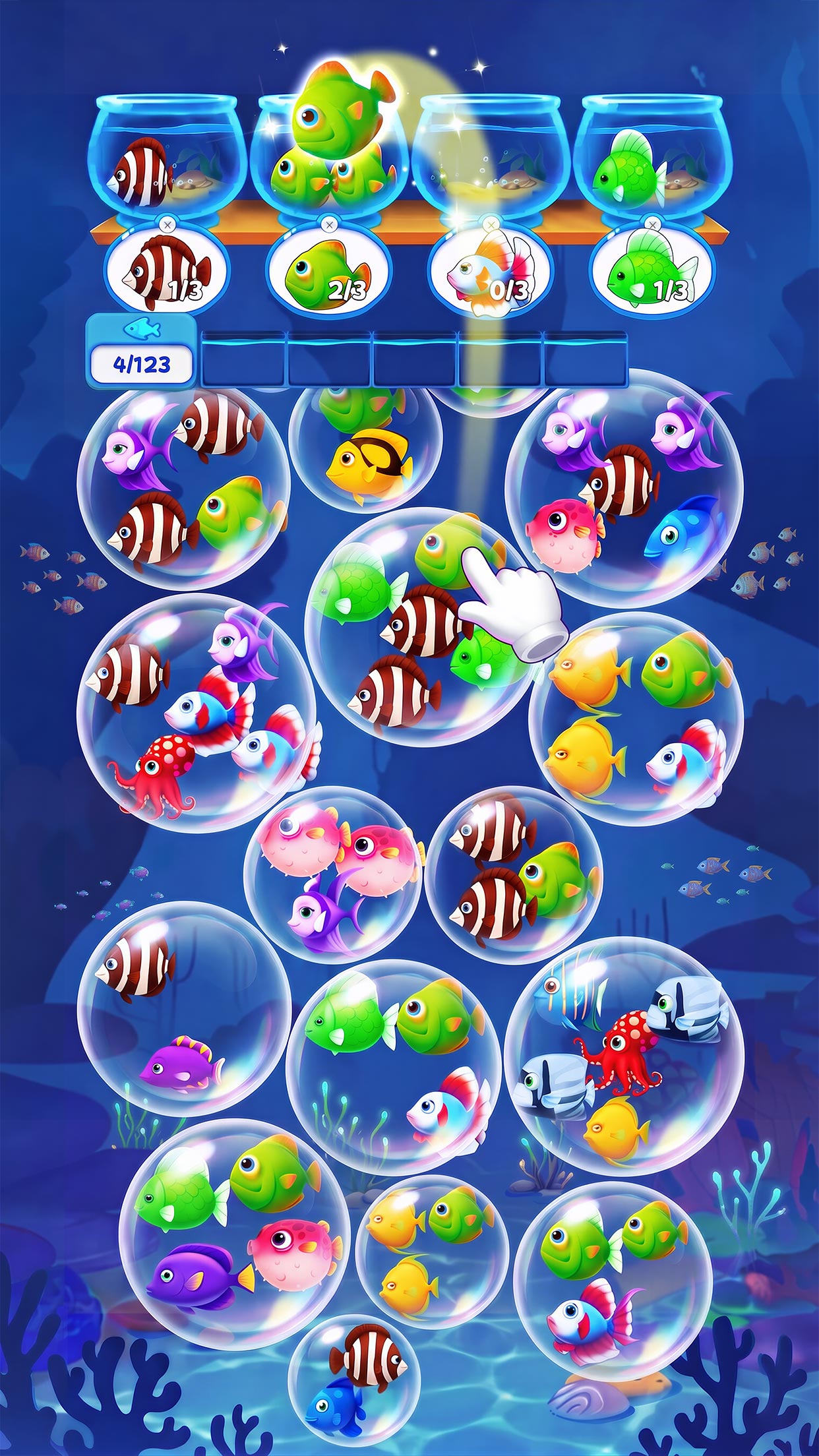
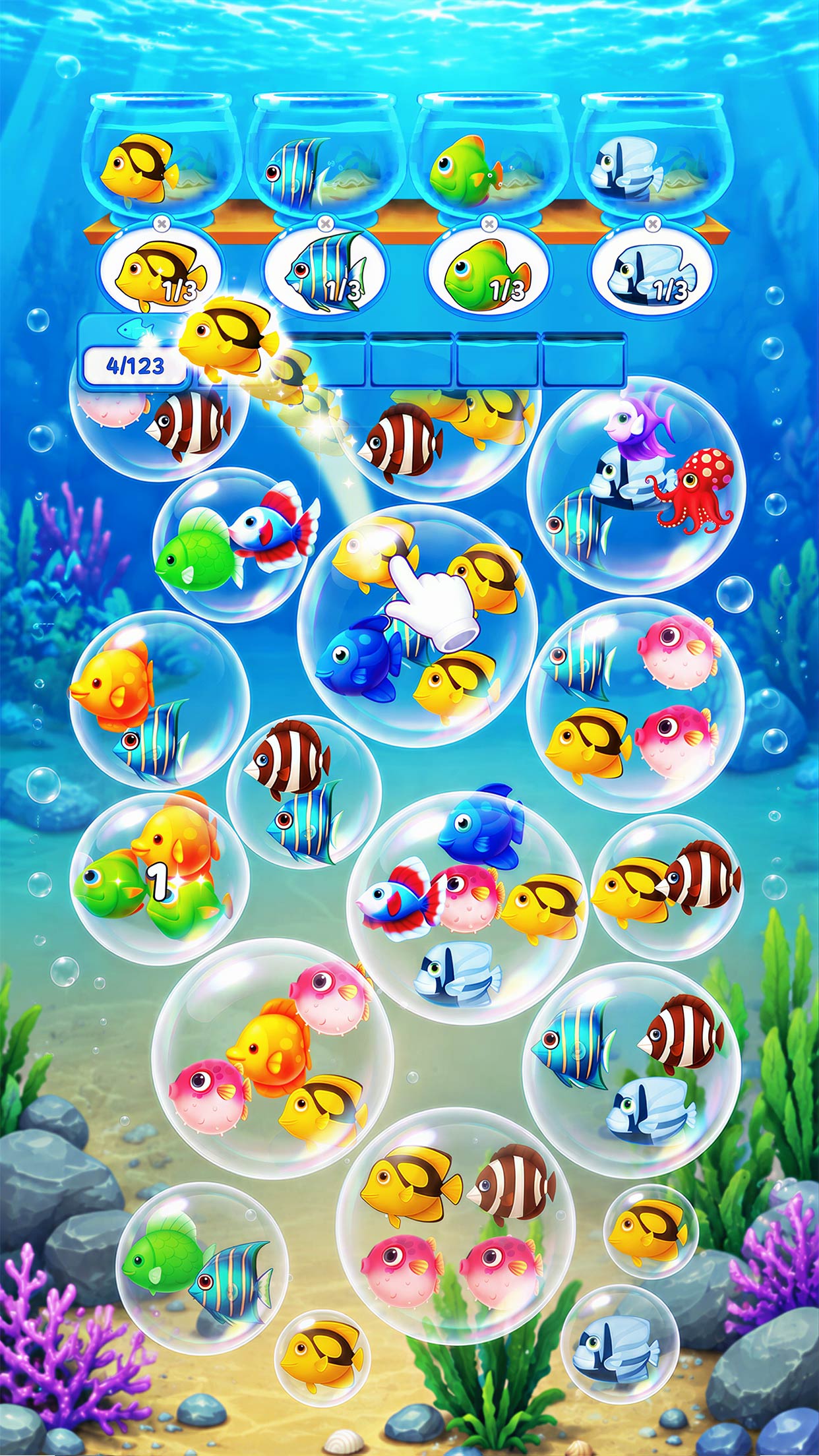
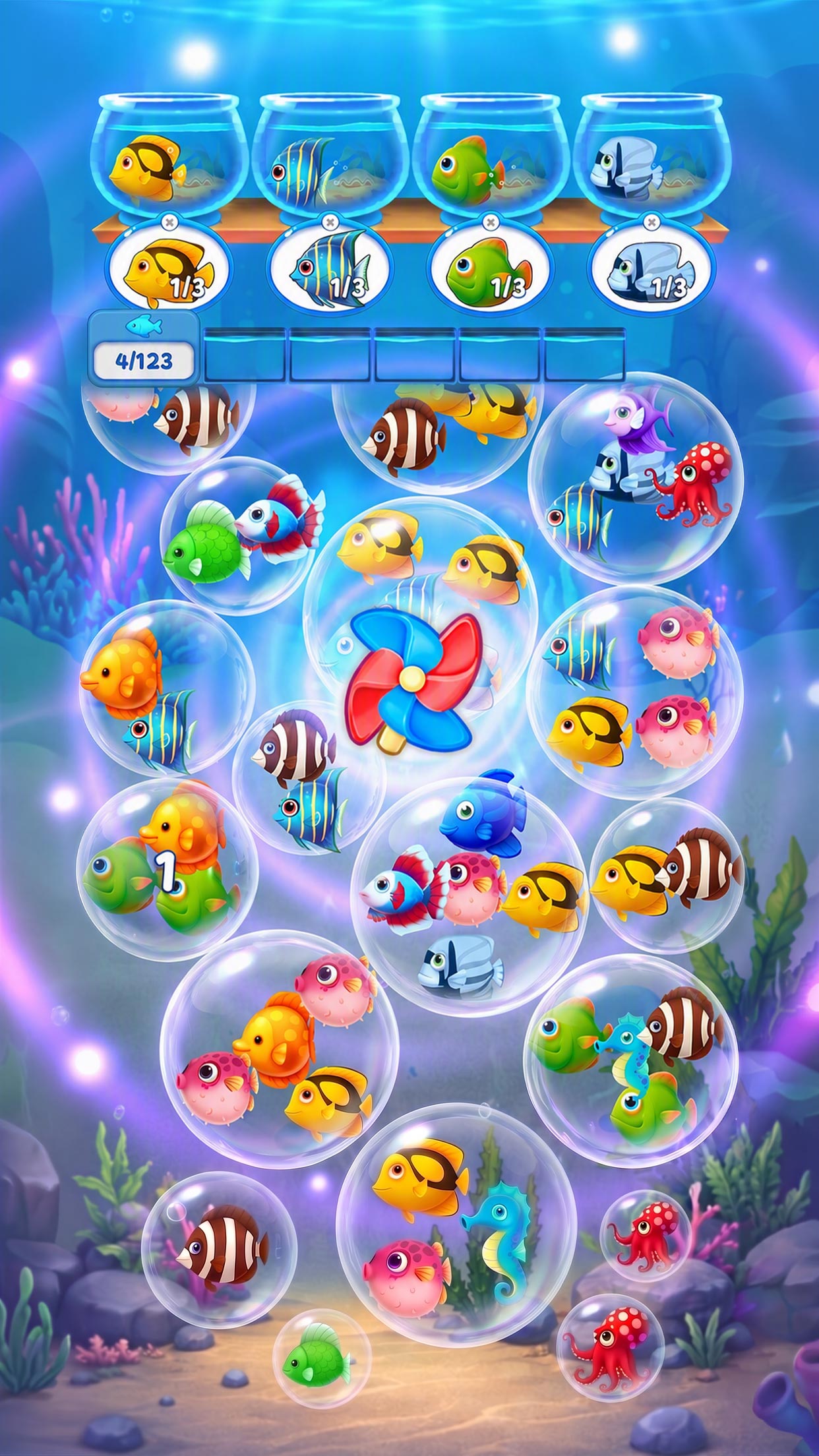
About the game
Fish Sort Puzzle - Bubble Jam is Shycheese’s aquarium sorting game. Tap fish in bubbles, complete the requested collections and keep the temporary holding area from filling.
- Publisher
- Shycheese
- Platform
- Android, iPhone, iPad
- Guide coverage
- 62 levels
- Last updated
- Game store
- Google Play
 · App Store
Find your Fish Sort Puzzle level, watch its walkthrough, and keep the holding area clear while completing the aquarium orders.
An aquarium puzzle about choosing the next fish
Fish Sort Puzzle - Bubble Jam puts its decisions inside a bright underwater board. Bubbles hold fish, the bowls at the top show the types they need, and a temporary holding area catches fish without a matching order. Your job is to clear the bubbles and complete the collections without filling that waiting space. A quick tap is simple; choosing a tap that improves the next few moves takes more care.
The game is published under the Shycheese label, with SUPLIFE PTE. LTD. listed as seller on the App Store. It is available on Android, iPhone and iPad. Use the store link below to compare the installed app. The collection of walkthroughs on this page is a guide index, so its highest numbered video should not be read as the game’s total number of levels.
Read the bowls before the bubble field
Begin by checking the portraits and quantities on the open bowls. A fish can look useful because several of its kind are visible, yet still have no current destination. Distinguish a fish that immediately advances an order from one that will wait in storage. This small check helps prevent a string of visually tempting taps from consuming the room you need for the next reveal.
The board changes as bubbles disappear. Clearing lower bubbles lets new ones come down from above, so the value of a move includes what it reveals. After a bowl completes, look up again: a new order can make a previously awkward fish useful. Treat each change as a fresh decision rather than continuing a color sequence that was sensible a few taps earlier.
Keep a reserve in the holding area
Free holding space is a resource. Before selecting a fish that does not match an open order, identify why that detour is necessary and how the stored fish might later leave. A useful detour opens access to a fish you can actually use. A poor detour merely removes something attractive from the screen while creating a second problem underneath the bowls.
Leave room for uncertainty. Hidden or distant fish cannot be treated as guaranteed matches, and a nearly full holding area offers little room to recover from a surprise. When there is only a small amount of space left, slow down and inspect every accessible option. The store describes a full temporary area as a losing condition, so do not plan around making another rescue tap after it fills.
Follow a video in short checkpoints
Open the numbered guide and compare its opening with your board. Check the level label, fish arrangement, active orders and visible special objects together. If they match, watch a short segment, pause, and repeat that segment in your game. The most useful pause points are completed bowls, changes to the accessible fish and moments when storage begins to get crowded.
If your position stops matching the recording, inspect the last few moves instead of copying further. One different selection can change both storage and the falling bubbles. Some recordings may include advertisements or assistance; follow what actually happens on screen and decide whether it fits the resources you want to spend. The video player loads only after you choose to play.
What makes a board feel difficult
Difficulty comes from competing demands. You may see the fish an order needs but have to remove another bubble first. Several available types may all want the same small reserve of holding space. A board that looks colorful and open can therefore be less forgiving than a crowded board with a direct route to a nearly completed order.
Use the interface’s current information to judge the position. A visible timer, locked object or special bubble changes what deserves attention, but an ordinary level number does not tell you which of those features will appear. Read the icons and in-game prompts when a new element arrives. Do not assume that advice for a different fish-sorting app applies to this one.
Help, advertisements and optional offers
The mobile game is free to download, and optional purchases and advertisements form part of the experience. Before accepting help, check what the offer does and what it costs. An extra bowl, a refresh or another tool should solve a specific problem in the current round. Repeatedly accepting offers without examining the board can spend resources without explaining why the route became blocked.
The App Store update history includes new levels, environments, events and a login feature. Availability can change between versions and platforms. Check the app’s own screens for current event deadlines, reward conditions and account settings. Do not delete app data as a first response to a stuck board or missing reward; first check how your version stores progress.
Find a level or build a better routine
Use the number field for a direct jump, or browse a range to find nearby recordings. The previous and next links connect the guides available here. If you need help with the rules, start with How to Play. The Tips article concentrates on decision-making, while Features explains how to read the different parts of the interface.
For a troublesome stage, focus on the first decision where your holding area becomes less useful than the video’s. Ask which stored fish has no current destination, what the last bubble removal exposed and whether a bowl changed before your next tap. That comparison often reveals the reason for a failure more clearly than replaying the entire round at full speed.
When the app or guide behaves unexpectedly
A missing reward or stalled advertisement is a different problem from a losing move. Check connectivity, allow the current screen to finish and reopen the app if needed. For repeated failures, note the device, version and level before contacting the developer through the store. Avoid reinstalling until you understand the progress-saving options available to that account.
If a guide video is unavailable or its opening differs, use the contact page to report the level and describe the mismatch. You can still use the general advice about active orders and holding space, but a changed board deserves a matching recording. This is an independent fan-made resource, and the game and credited videos remain the work of their respective owners.
Frequently asked questions
What is Fish Sort Puzzle - Bubble Jam?
It is a mobile aquarium sorting puzzle from Shycheese. Tap fish held in bubbles, send the required types into the bowls above, and manage the temporary holding area. Clearing low bubbles makes room for others to descend. The challenge is choosing a useful order while keeping enough space for fish that do not yet have a destination.
How do you play Fish Sort Puzzle?
Read the fish portraits and quantities on the open bowls before tapping. Choose accessible fish that meet those requests, then watch which bubbles fall into reach. When a selected fish does not match the current requests, it waits in the holding area. Keep checking that area between moves rather than tapping everything visible.
How do I win a level?
Complete the fish collections and clear the bubbles required by the level. The store describes removing all bubbles to advance. Watch the game’s completion screen rather than assuming a nearly full progress counter means the round has ended. After a bowl changes, reread its new request before choosing another fish.
Why did the holding area fill up?
Fish without a matching current request accumulate there. Selecting another unrelated fish can use the space you needed to reach a useful one. Before each risky tap, count the occupied slots and identify the destination for the selected fish. When the area is full, the round can end immediately; do not rely on one more move afterward.
Is Fish Sort Puzzle free?
The store offers a free download, and the iOS listing includes in-app purchases. Advertising and optional offers can appear during play. Read each offer before accepting it, including whether it asks for payment or a rewarded advertisement. A free download does not mean that every optional feature or offer is free.
Is this the same as Fish Sort 3D?
Compare the developer and store listing before using a guide. This site covers Shycheese’s Bubble Jam, identified on Android by triple.sorting.bubble.fish.match and on iOS by app ID 6771681639. Other fish-sorting games can use different goals, layouts and level numbering even when their names and illustrations look similar.
Why does the video show a different board?
Compare the opening fish, active orders, progress target and special objects. App updates and different editions can change what a numbered stage contains. If these elements differ, copying a tap sequence may make your position worse. Use the general slot-management advice and choose a recording whose opening matches your screen.
Can I use a walkthrough without paying?
These guide pages can be read without an account or purchase. The linked videos use YouTube’s own player. In-game purchases, advertisement offers and boosters belong to the app and are separate from the guide. A recording may use help, so watch for those actions before assuming its route works under your chosen restrictions.